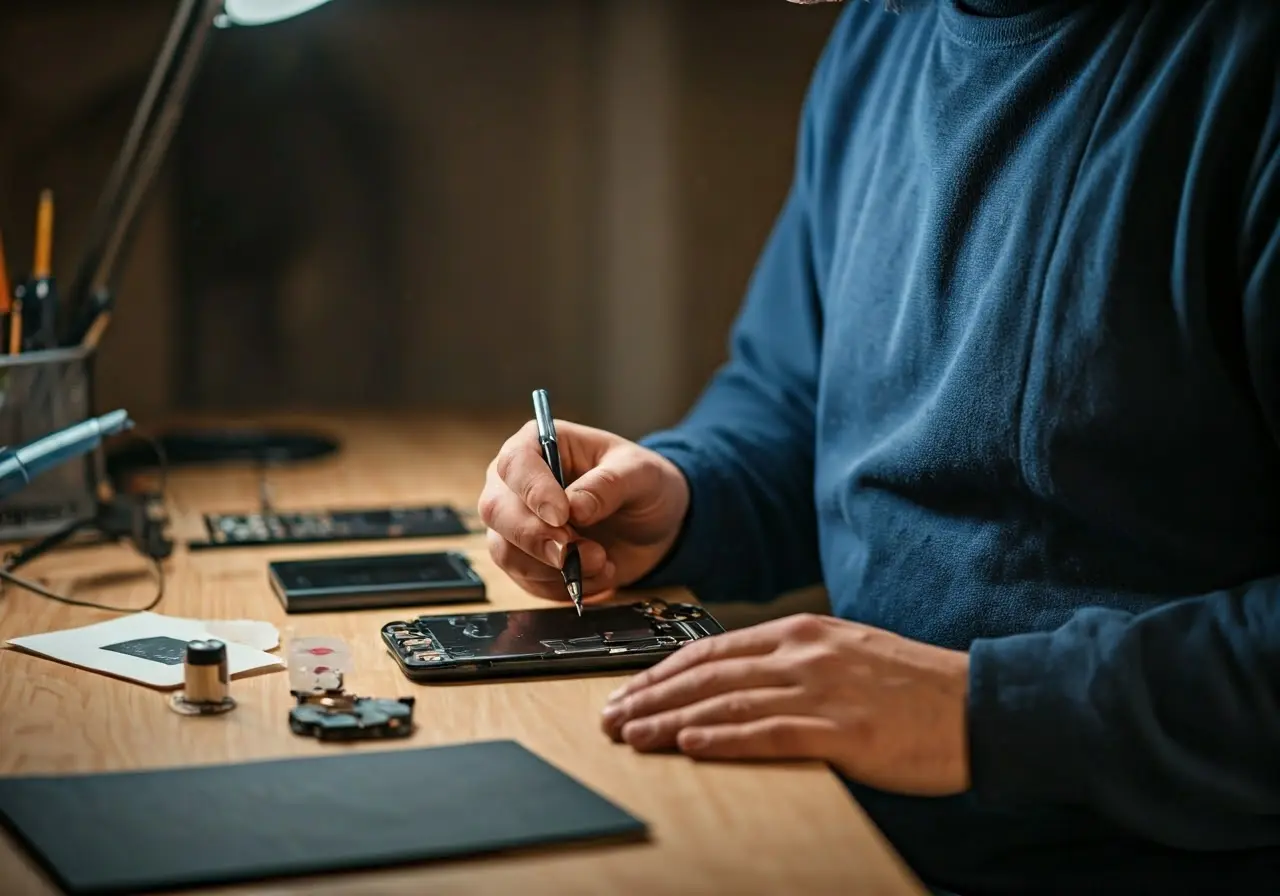
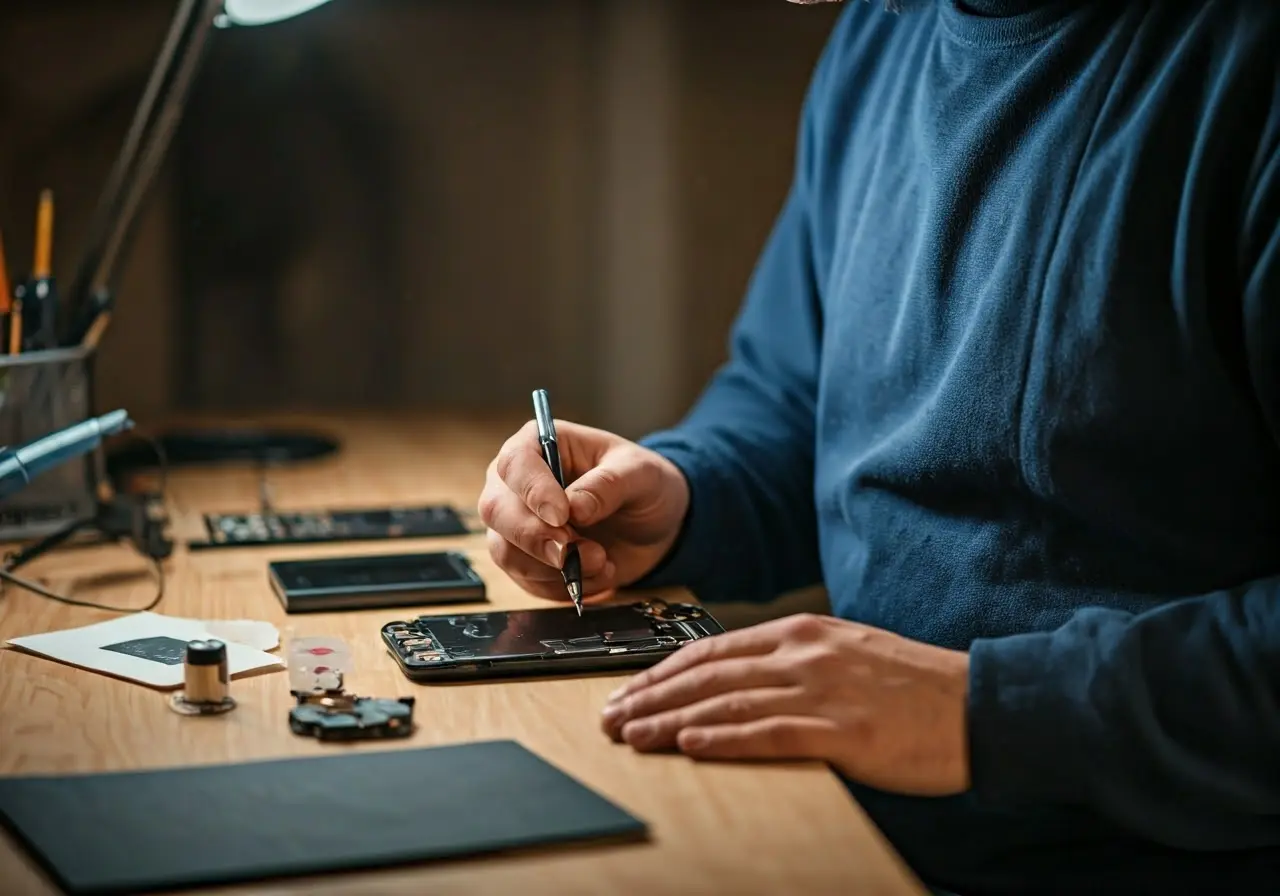
When your cell phone breaks, it’s natural to wonder how long the repair process will take. In this FAQ, we break down the different factors that affect repair times and give you an idea of what to expect.
What Affects Cell Phone Repair Times?
Several factors can influence how long it takes to repair a cell phone. These include the type of damage, the particular model of the phone, and the availability of replacement parts, among others.
The complexity of the damage is often the most significant factor. A minor screen crack can typically be fixed in a couple of hours, but issues that involve internal components, such as the motherboard or battery, can take much longer. The model of your phone also matters; newer or more unique models might require specialized parts that aren’t in stock at every repair shop, leading to delays.
Additionally, the repair skills and experience of the technician can play a role. Technicians with years of experience are more likely to diagnose and fix issues more quickly. Conversely, newer technicians might take more time to ensure everything is done correctly.
Lastly, the location you choose for your repair can affect the timeframe. As mentioned by Los Angeles phone Freaks, certain places, like in-store repairs, might be faster, but they may not always have the required parts on hand. In such cases, the wait time for parts can be a significant factor.
Common Repair Types and Their Timeframes
Different types of repairs come with varying timeframes. Screen replacements, battery issues, and software malfunctions each have their own typical repair durations. Generally speaking, minor fixes like screen replacements may take a few hours, whereas more complex issues could take a day or more.
For instance, Los Angeles phone Freaks explains that a mobile iPhone repair could take anywhere from 15-60 minutes, not including the time it takes for the technician to arrive at your location. This shows how quick some repairs can be when no shipping or additional parts are involved.
Battery replacements usually take a bit longer due to the complexity involved. This can range from one to three hours. Software malfunctions, however, might take even longer as the technician would need to diagnose the issue, which can be tricky and time-consuming.
Water damage is another common repair type that can be quite time-consuming. Depending on the severity of the damage, it can take anywhere from a couple of hours to a few days to completely dry out the phone and ensure that no components have been permanently damaged.
In-Store vs. Mail-In Repairs
Where you choose to get your phone repaired can also affect the time it takes. In-store repairs are typically faster because the technician can start working on your phone right away. Mail-in repairs, on the other hand, may take longer due to shipping times.
For example, as noted by REWA Tech, mail-in repairs generally include additional time for the delivery process, plus the repair time in the shop. This can add several days or even weeks to the total repair time.
In-store repairs often provide the benefit of quick diagnosis and immediate repairs, assuming the parts are available. However, not all issues can be diagnosed on the spot, and occasionally parts still need to be ordered, which can delay the process even further.
Mail-in repairs might be a better option for complicated repairs that cannot be done in an hour or two. They also often come with extensive warranties and guarantees, which might give you peace of mind even if the repair takes a bit longer.
How Busy Is the Repair Shop?
The workload of the repair shop is another crucial factor. If the shop is busy with many other repairs, your phone might take longer to get fixed. On the flip side, during slower periods, repairs might be completed more quickly.
Shops like Los Angeles phone freaks that offer 24-hour services might be able to deliver faster turnarounds due to their extended service hours. However, the general busy schedule might still influence the speed of your repair.
It’s often a good idea to call ahead and inquire about their current workload. Asking about the expected repair time can give you a more accurate estimate. Also, try to bring in your device during off-peak hours to minimize wait times.
Some shops may also offer online scheduling, allowing you to set an appointment at a specific time, which can help prioritize your repair and reduce waiting time substantially.
Availability of Replacement Parts
Sometimes, the repair process is delayed because the replacement parts are not available immediately. The waiting time for these parts can add days to the total repair time, especially if the parts need to be ordered from a different location.
Older or less common phone models might particularly encounter this issue. For instance, parts for an older Android phone model might not be readily available and would require ordering from a supplier.
On the other hand, common models like the latest iPhone typically have parts in stock. Even so, verifying the availability of parts before handing over your phone for repair can save you a significant amount of time.
It’s also advisable to understand the policy of the repair shop regarding parts. Some shops, including Los Angeles phone Freaks, offer both original and aftermarket parts. Knowing your options can help expedite the process and potentially reduce costs while still getting your phone back in working order.
Tips to Speed Up Your Repair
To minimize downtime, it’s a good idea to call ahead and check if the repair shop has the parts needed for your specific phone model. Also, consider visiting during off-peak hours to avoid waiting in long lines.
Another great tip is to use service providers that offer real-time updates on your repair status. This allows you to stay informed and know exactly when your device will be ready, reducing uncertainty and stress.
Conducting a bit of research beforehand can also save you substantial time. Websites such as Los Angeles Phone Freaks provide valuable information that can help you decide the best course of action.
Finally, ensure that you back up all your data before sending your phone in for repair. This step can prevent data loss and make the process smoother when the technician starts working on your phone.
Wrapping Up
In conclusion, the duration of cell phone repair can vary significantly based on several factors such as the type of repair, where you get it fixed, and the availability of parts. Understanding these elements can help you set realistic expectations for your repair timeline.
Discover essential pc repair tips specifically for Downtown Los Angeles residents in our blog 'Emergency PC Repair Tips for Downtown Los Angeles Residents'.
Cookie Consent
We use cookies to improve your experience on our site. By using our site, you consent to cookies.
Contains information related to marketing campaigns of the user. These are shared with Google AdWords / Google Ads when the Google Ads and Google Analytics accounts are linked together.
90 days
__utma
ID used to identify users and sessions
2 years after last activity
__utmt
Used to monitor number of Google Analytics server requests
10 minutes
__utmb
Used to distinguish new sessions and visits. This cookie is set when the GA.js javascript library is loaded and there is no existing __utmb cookie. The cookie is updated every time data is sent to the Google Analytics server.
30 minutes after last activity
__utmc
Used only with old Urchin versions of Google Analytics and not with GA.js. Was used to distinguish between new sessions and visits at the end of a session.
End of session (browser)
__utmz
Contains information about the traffic source or campaign that directed user to the website. The cookie is set when the GA.js javascript is loaded and updated when data is sent to the Google Anaytics server
6 months after last activity
__utmv
Contains custom information set by the web developer via the _setCustomVar method in Google Analytics. This cookie is updated every time new data is sent to the Google Analytics server.
2 years after last activity
__utmx
Used to determine whether a user is included in an A / B or Multivariate test.
18 months
_ga
ID used to identify users
2 years
_gali
Used by Google Analytics to determine which links on a page are being clicked
30 seconds
_ga_
ID used to identify users
2 years
_gid
ID used to identify users for 24 hours after last activity
24 hours
_gat
Used to monitor number of Google Analytics server requests when using Google Tag Manager
1 minute
Marketing cookies are used to follow visitors to websites. The intention is to show ads that are relevant and engaging to the individual user.
A video-sharing platform for users to upload, view, and share videos across various genres and topics.
Registers a unique ID on mobile devices to enable tracking based on geographical GPS location.
1 day
VISITOR_INFO1_LIVE
Tries to estimate the users' bandwidth on pages with integrated YouTube videos. Also used for marketing
179 days
PREF
This cookie stores your preferences and other information, in particular preferred language, how many search results you wish to be shown on your page, and whether or not you wish to have Google’s SafeSearch filter turned on.
10 years from set/ update
YSC
Registers a unique ID to keep statistics of what videos from YouTube the user has seen.
Session
DEVICE_INFO
Used to detect if the visitor has accepted the marketing category in the cookie banner. This cookie is necessary for GDPR-compliance of the website.
179 days
LOGIN_INFO
This cookie is used to play YouTube videos embedded on the website.